



Description
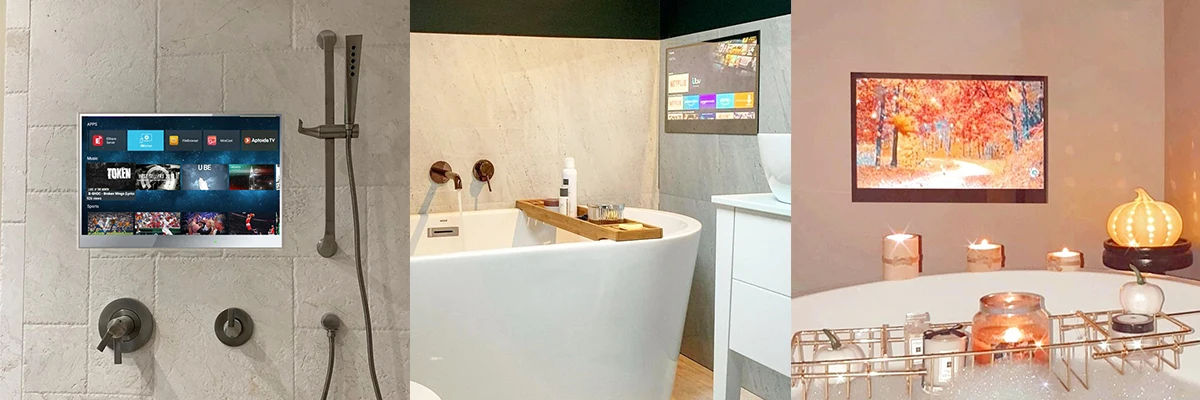
【SHIPPING&WARRANTY】-Usually it takes 1-3 working days to ship out the TV after we have got the paid order. The TV shipping times around 5-20 days.
Our TV has 2 years warranty counts on the date you sign for the parcel.
EU Shipping (From Poland Warehouse)
Fast EU Delivery – We ship from our Poland warehouse for quick delivery within Europe.
Shipping Details:
– Delivery Time: 3-7 business days (depending on destination).
– Coverage: Most EU locations (excluding some remote islands and hard-to-reach areas).
– Limited Stock: If the EU Ship shows "0", it means the item is sold out from our EU stock. In this case, please select "CN or RU Ship" for alternative shipping options.
💡 Need Help? Contact us if you’re unsure about shipping to your location!
Mirror TV Usage Tips
For the best experience with your mirror TV, please note:
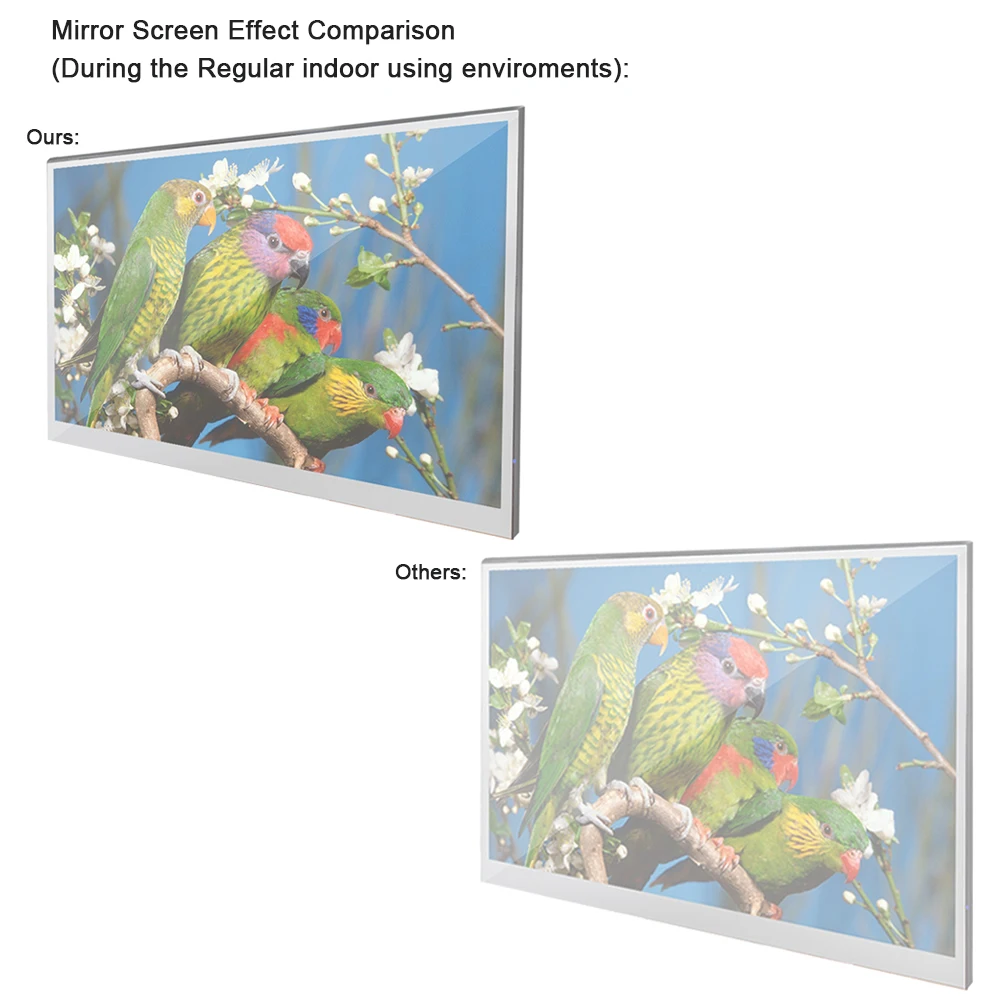
– 1. Reflection: The mirror surface may reflect light. We’ve optimized the screen for clarity and thinness.
– 2. Lighting: Minimize direct lighting in front of the TV for optimal image quality and reflection. Adjust lighting for the best view. Enjoy the perfect balance of style and performance with your mirror TV!

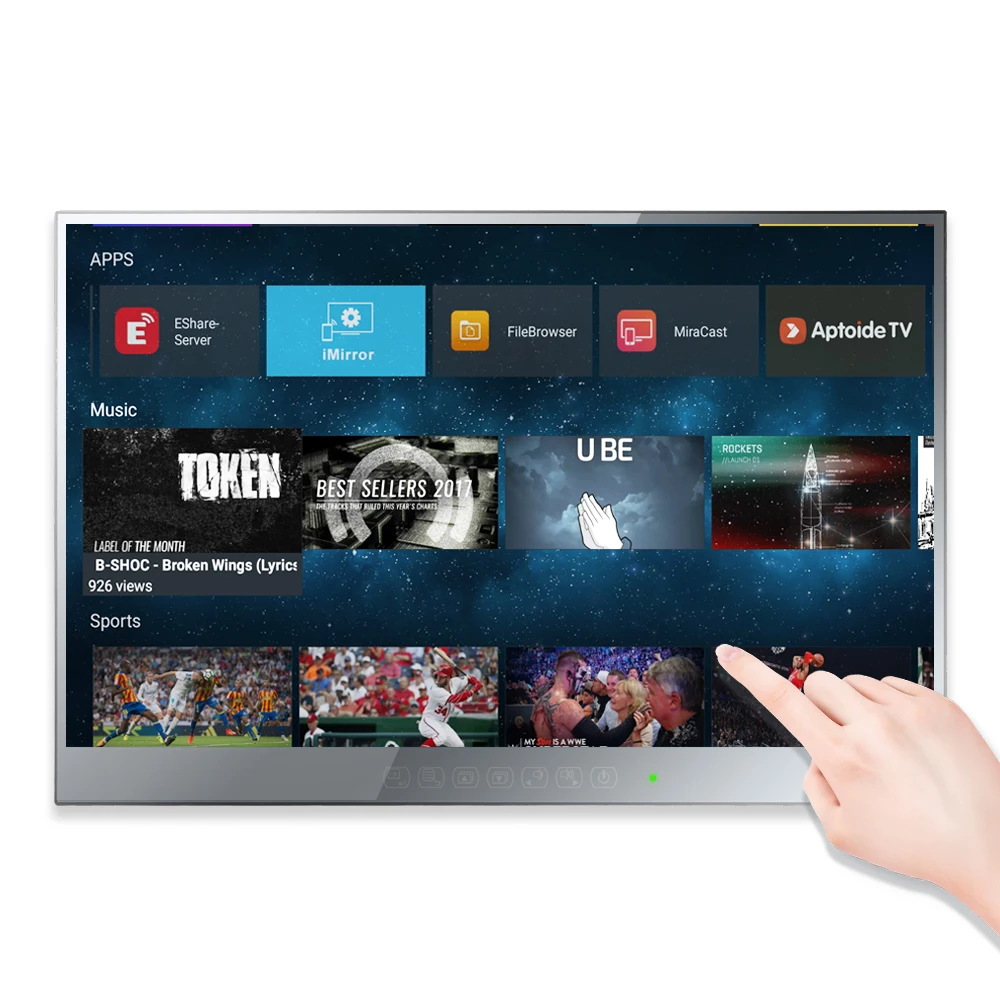
Touchscreen Yes
PRODUCT DETAILS:
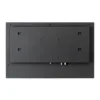
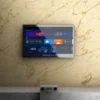
A smart mirror, also commonly known as a magic mirror, is a transparent mirror that displays information. The display screen, which is hidden by the reflection of the glass, is a TV. Using the software downloaded from the internet, smart mirror can provide up to date information on the weather, calendar events, news, social media and more.

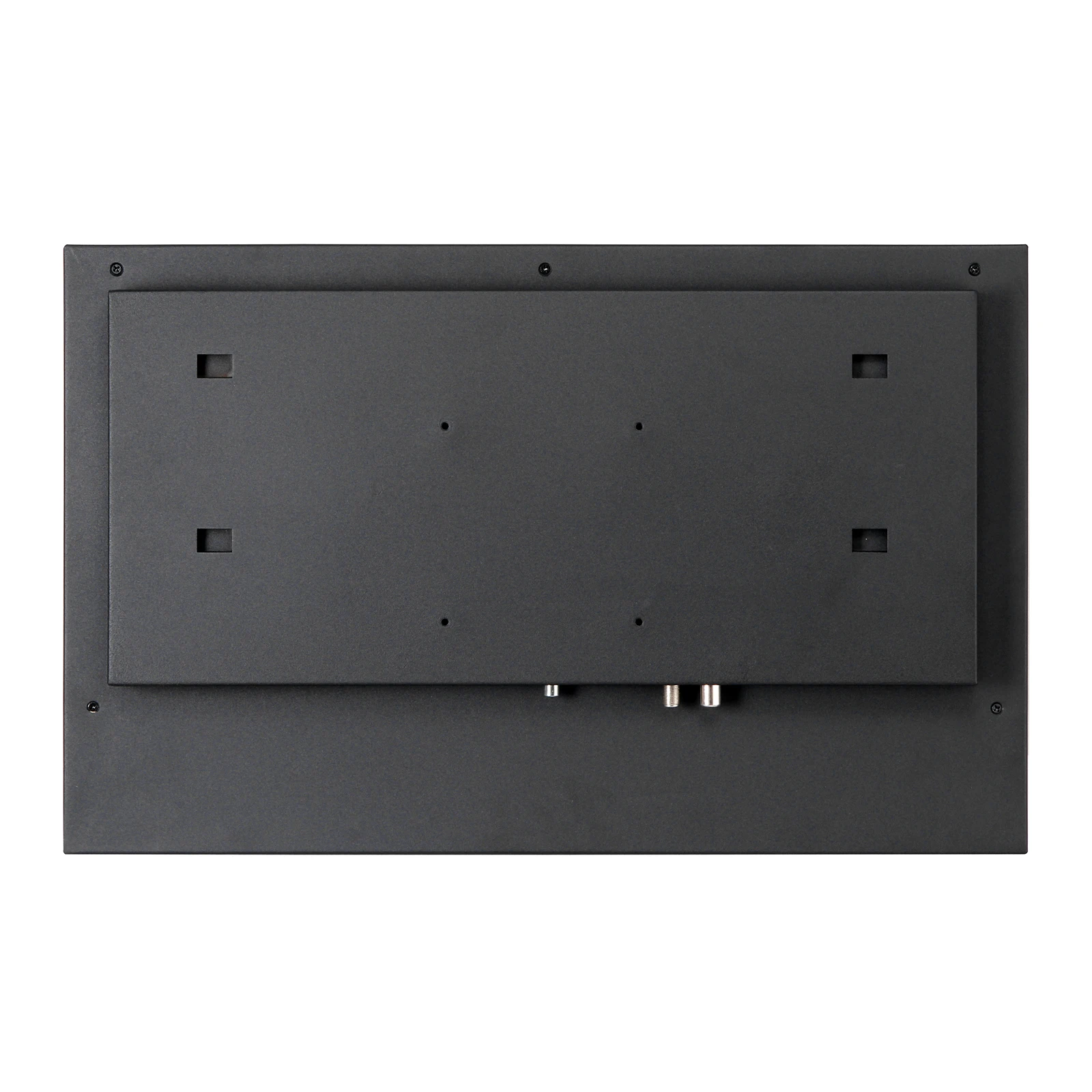
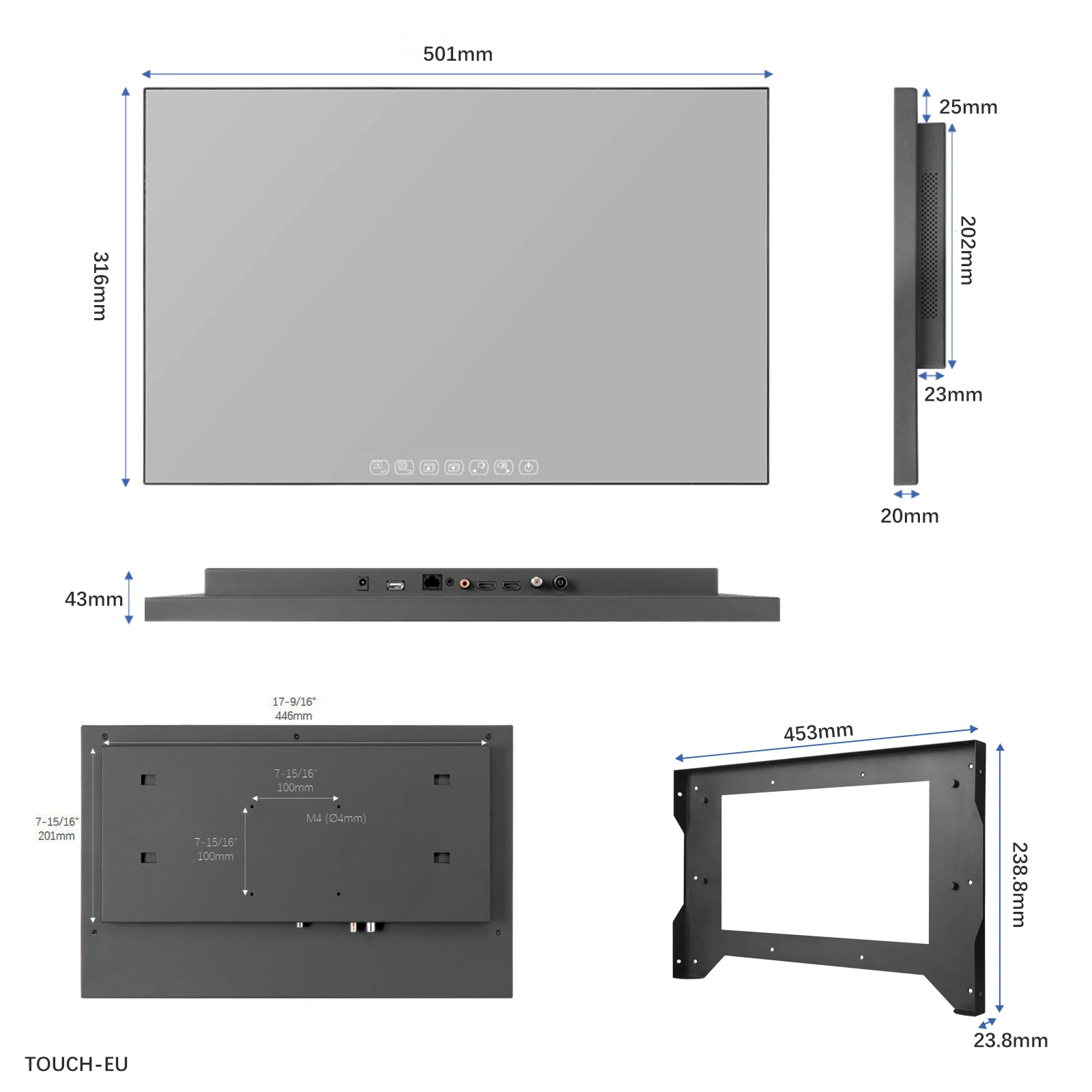
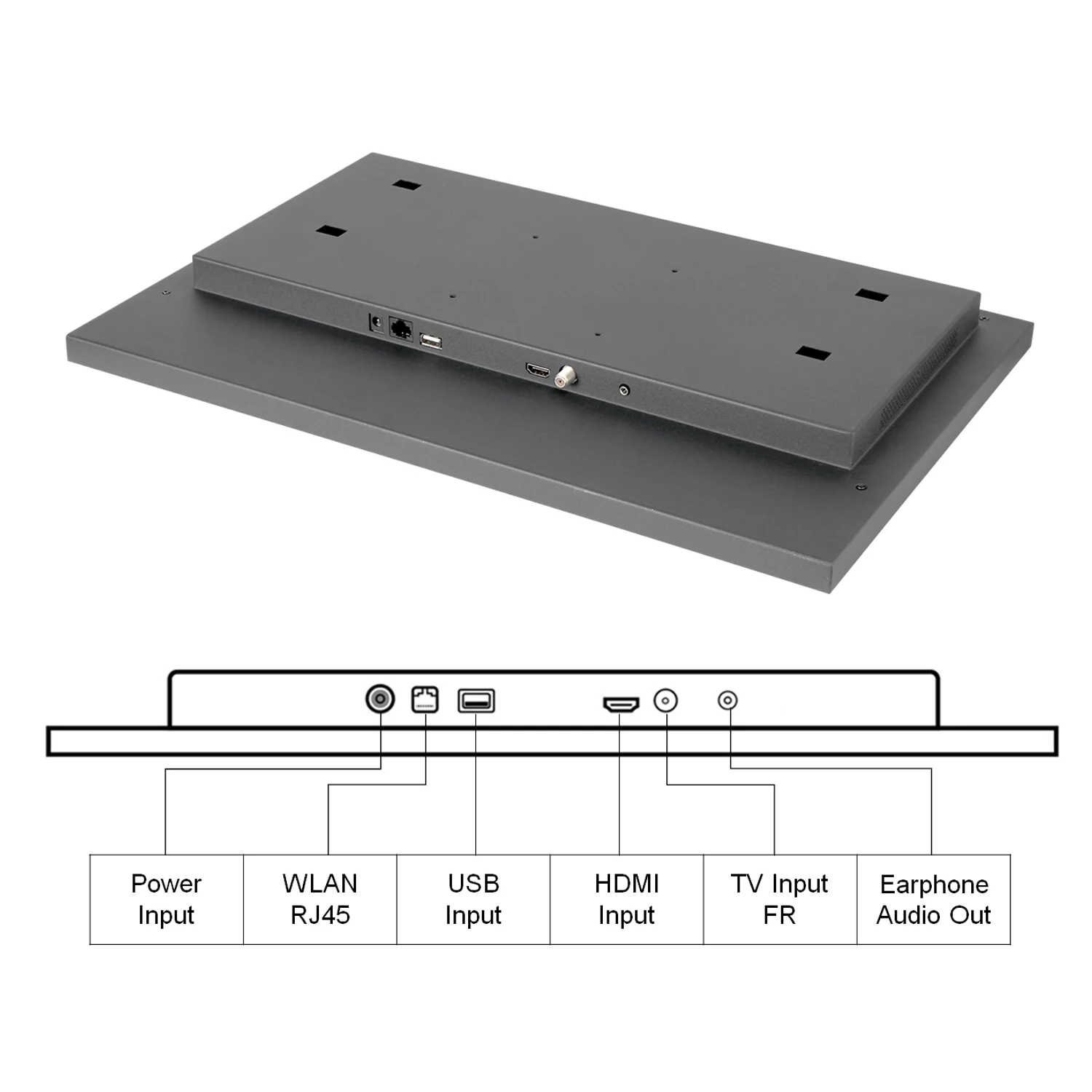
The Ports of ATSC system countries:
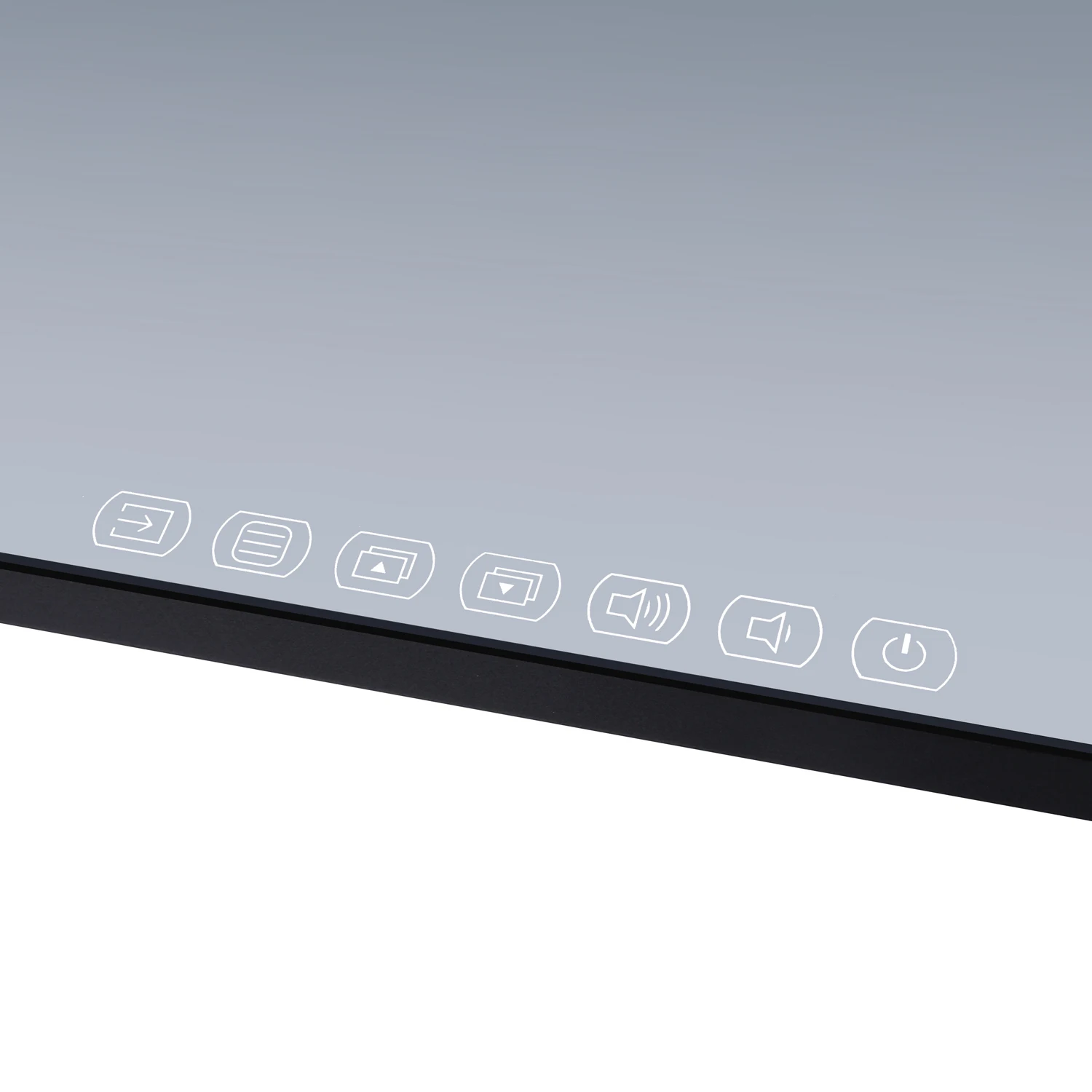
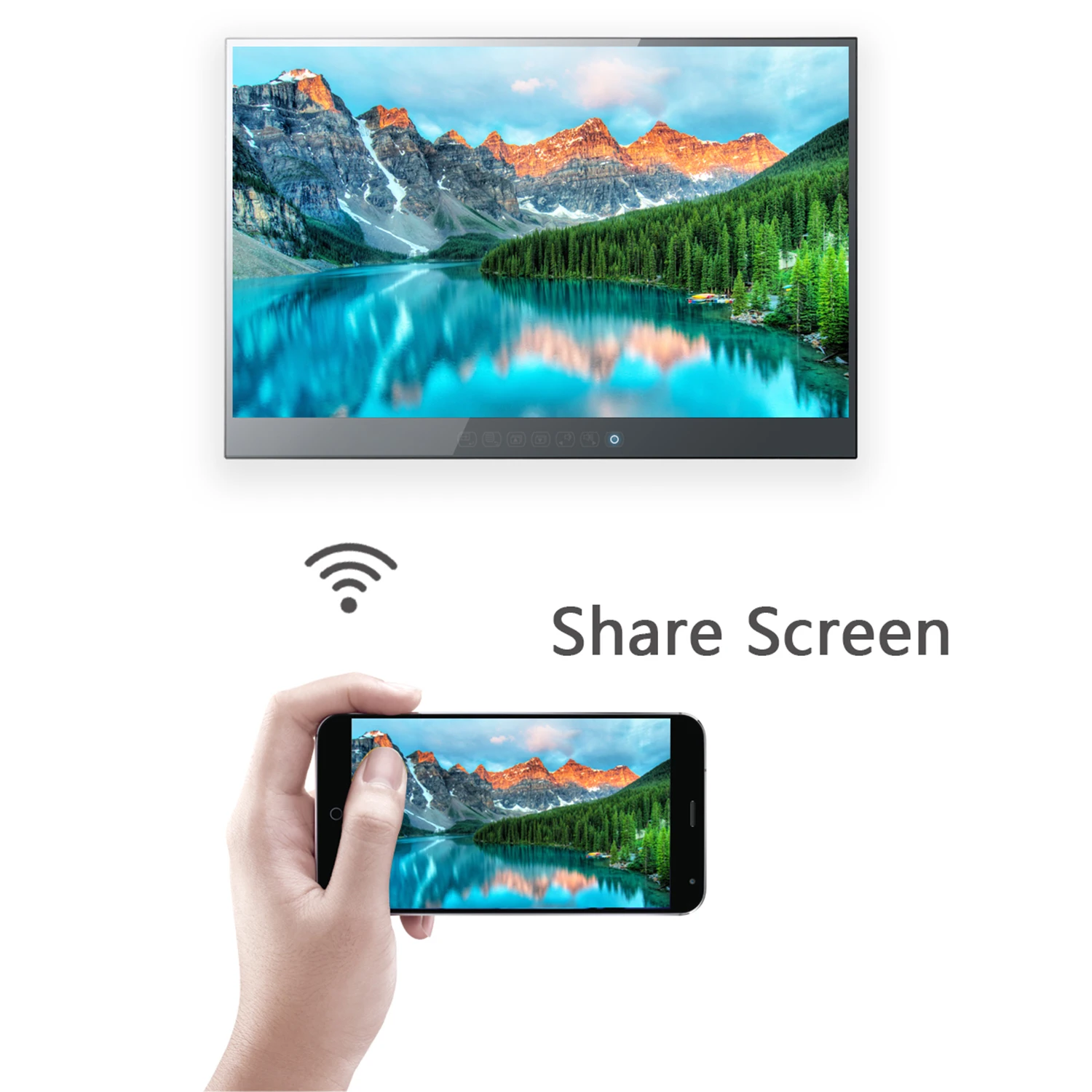
Touch Keys Design:
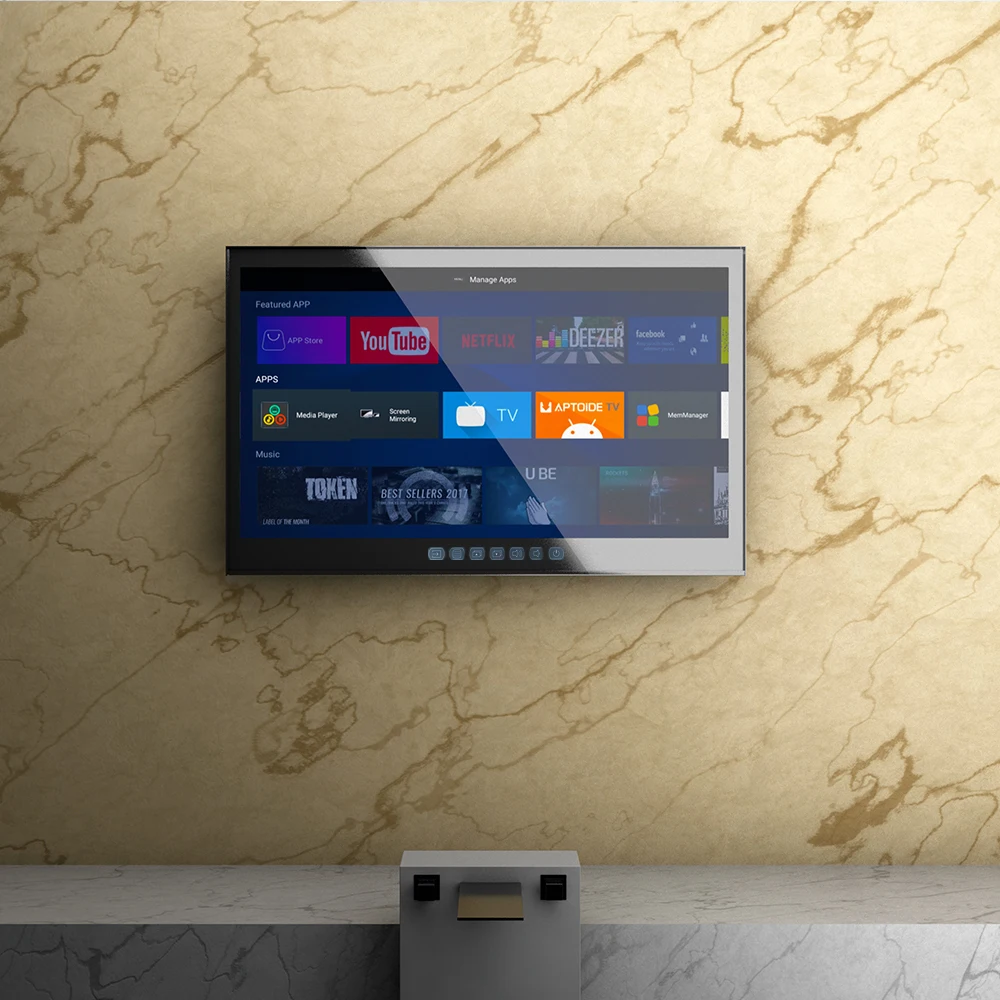
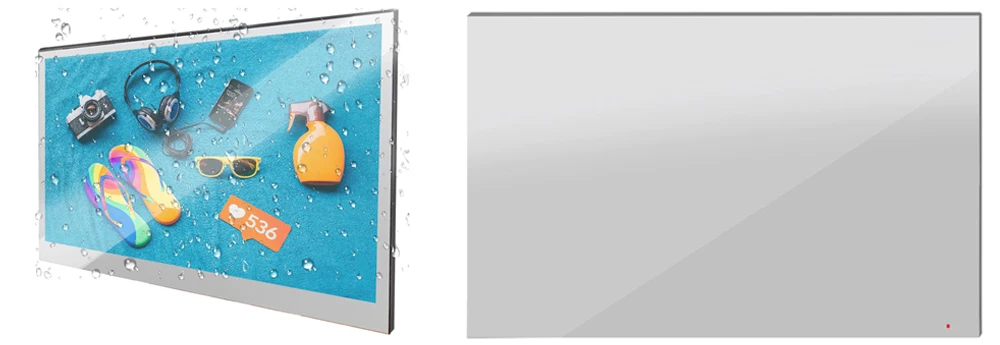
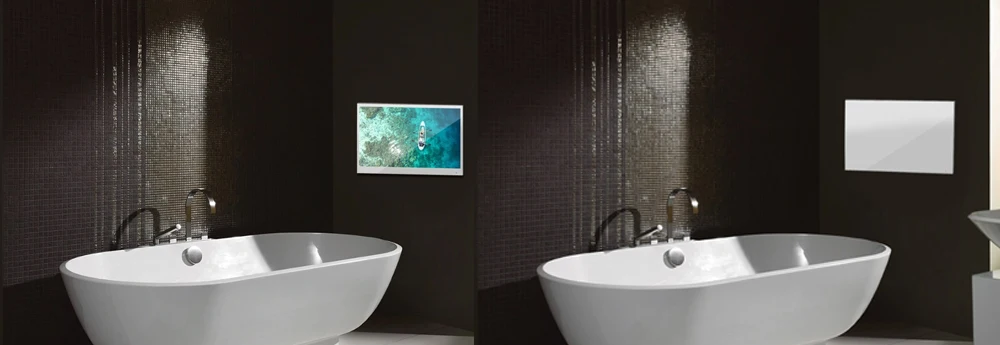
It’s a TV when Turned OnIt’s a Mirror when Turned Off:
INSTALLATION:
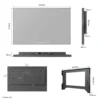
3 optional methods provided to accommodate TV installations
Option 1: In-wall with Embedded Bracket
Option 2: On-wall with Embedded Bracket
Option 3: On-wall with VESA Bracket


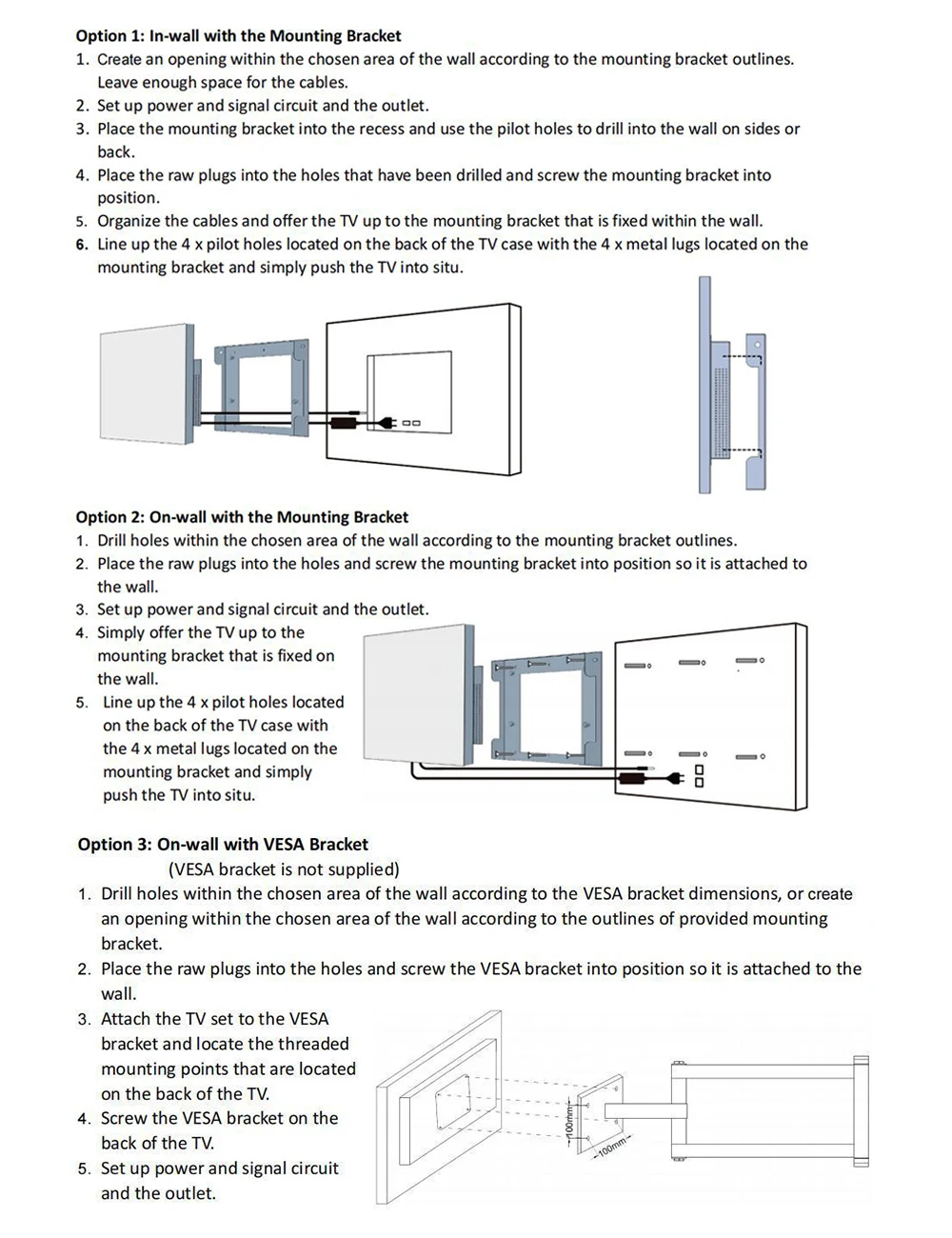
Option 1: In-wall with Embedded Bracket
-
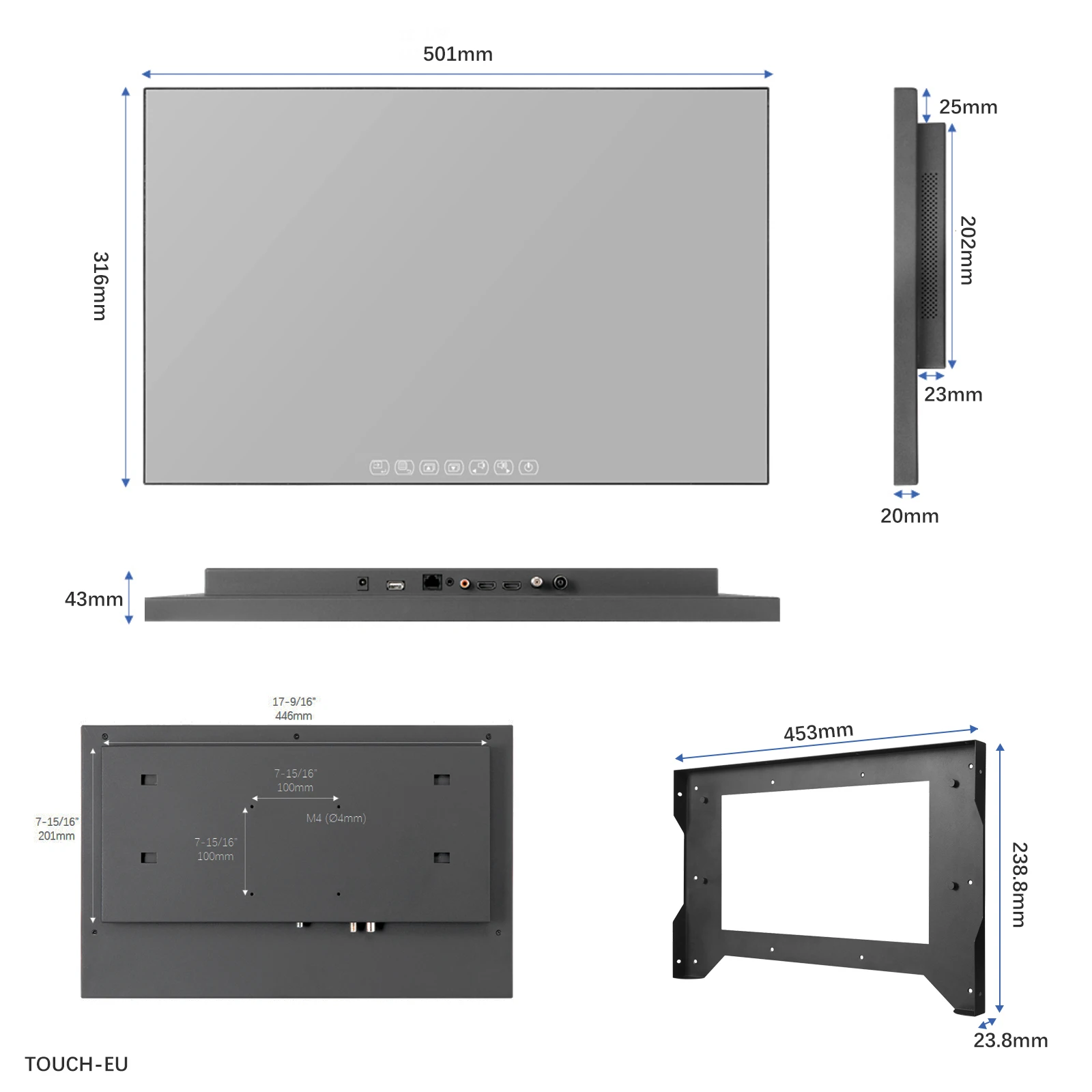
Create an opening within the chosen area of the wall according to the Embedded Bracket outlines. Leave enough space for the cables and adapter.
-
Set up power and signal circuit and the outlet.
-
Place the Embedded Bracket into the recess and use the pilot holes to drill into the wall.
-
Place the raw plugs into the holes that have been drilled and screw the Embedded Bracket into position.
-
Organize the cables and offer the TV up to the Embedded Bracket that is fixed within the wall.
-
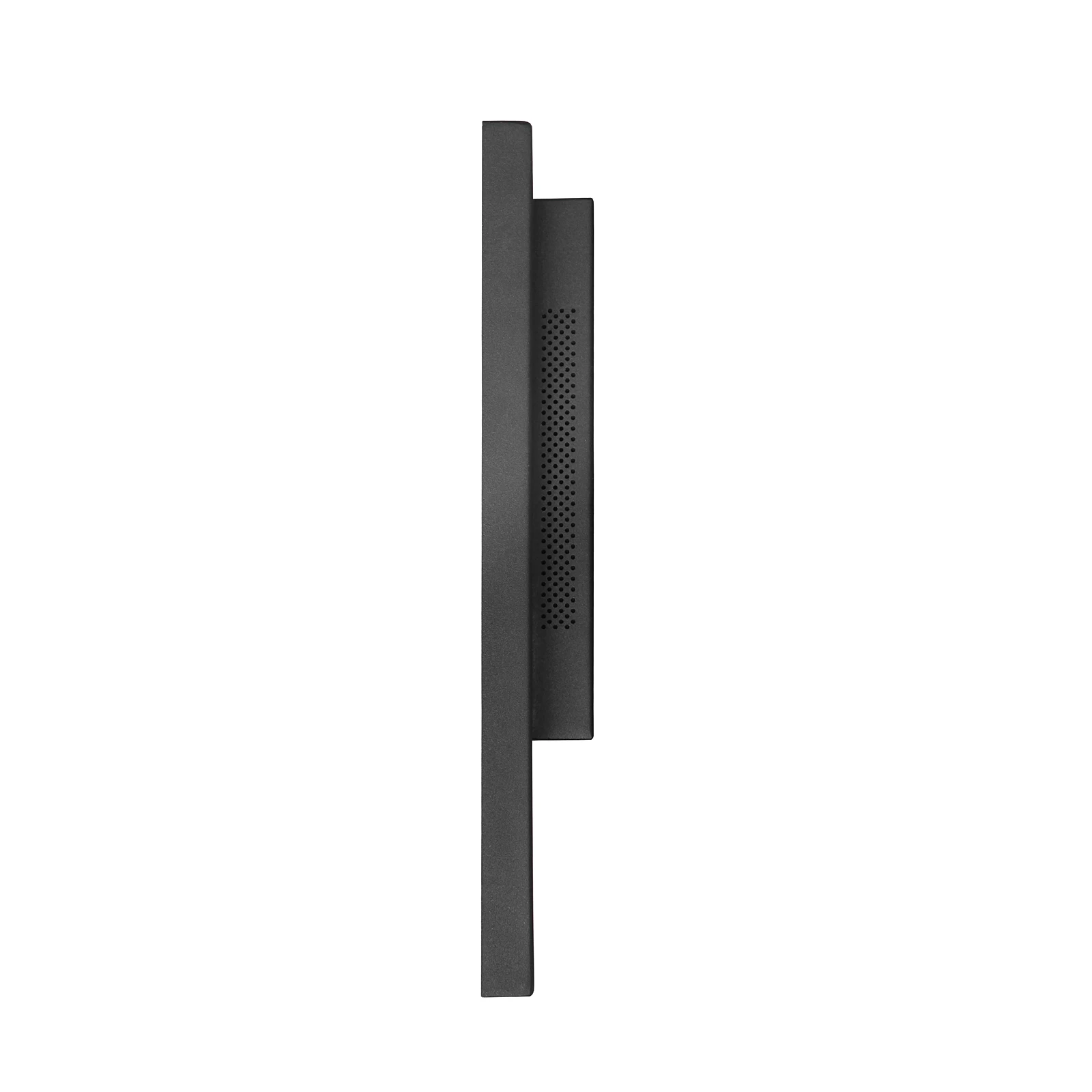
Line up the 4 x metal lugs located on the sides of the TV case with the 4 x channels located within the Embedded Bracket and simply push the TV into situ.
Option 2: On-wall with Embedded Bracket
-
Drill holes within the chosen area of the wall according to the Embedded Bracket outlines.
-
Place the raw plugs into the holes and screw the Embedded Bracket into position so it is attached to the wall.
-
Set up power and signal circuit and the outlet.
-
Simply offer the TV up to the Embedded Bracket that is fixed on the wall.
-
Line up the 4 x metal lugs located on the sides of the TV case with the 4 x channels located within the Embedded Bracket and simply push the TV into situ.
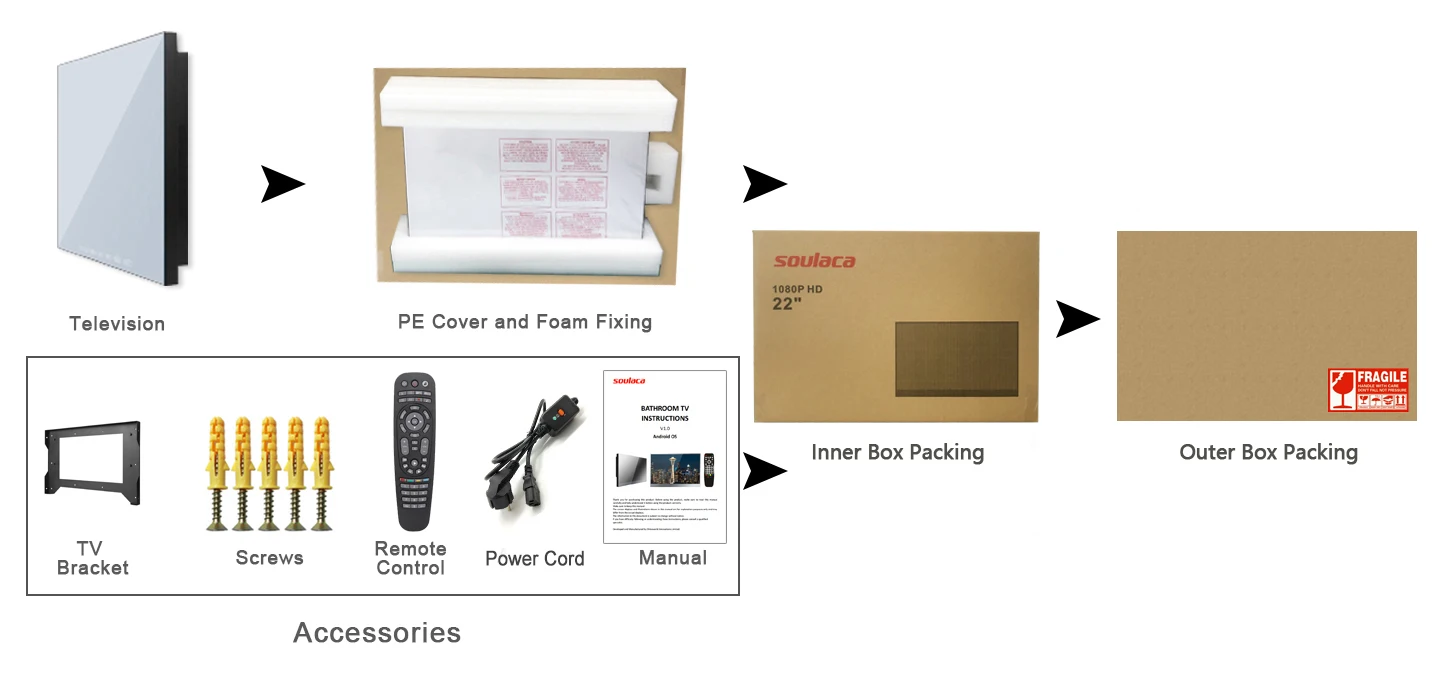
ACCESSORIES:
1. Embedded/On Wall Bracket
2. Power Cord
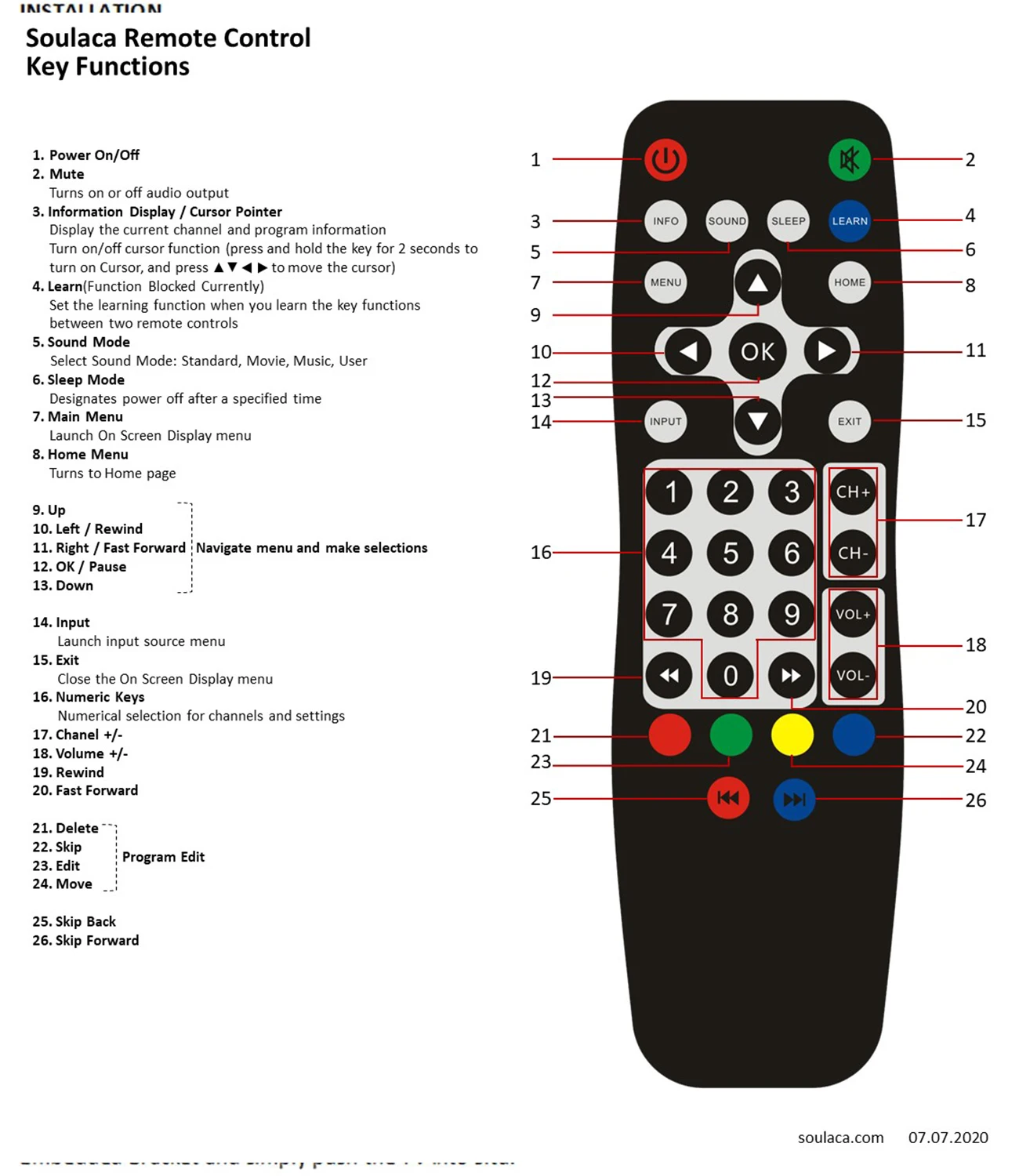
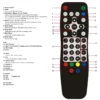
3. Waterproof Remote Control (Without Button Cell Battery Supplied, IP68 Waterproof)
4. User Manual
5. Installation Kit (6 sets)
Note: Without batteries supplied in the packaging for the remote control. Battery Model Needed: 2 PCS AAA Size Batteries

FAQ
The waterproof TV is a completely sealed design, engineered for use in wet areas. It is rated IP65 or higher and can withstand not only moisture, but also water from any direction.
For the models that are designed to be installed and recessed into your wall. It therefore requires a cavity to be cut into your wall, with size of cavity depend on the size of television you purchase. It is recommended that power and input cables are made available adjacent to the cavity opening inside the cavity. This will give you a seamless looking installation.
The on-wall mount method use mounting hardware and are therefore relatively simple to install.



Reviews
There are no reviews yet.